


Drum Pad Machine - beat maker
4.358.10K Reviews
App Specs
- Version
- 2.29.0
- Updated On
- License
- Free
- Downloads
- 100,000,000+
- Developer
- Easybrain
- Categories
- Music & Audio
- Platform
- Android, iOS
Screenshots
 Analysis by AppCompare
When I first opened Drum Pad Machine - beat maker, I wanted a simple way to try making a beat without needing instruments or a complicated setup. That is still the best way to approach it: think of it as a hands-on music toy that can help you explore rhythm, not as a full recording studio. I found it welcoming for a first-time user, and it is easy to get a satisfying sound quickly once you understand how the pads work.
First Impressions
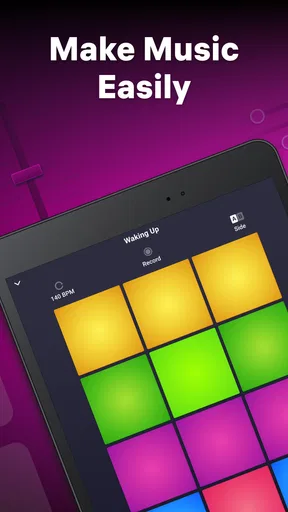
The first thing that hits you when you open the Drum Pad Machine - beat maker is its vibrant, user-friendly interface. It’s colorful and intuitive, and you don’t need a music degree to start making beats. The app is available on both Android and iOS, so you can jam out on whatever device you prefer.
It is a free music-making app from Easybrain, with optional in-app purchases listed at $5.49 per item. It has a 4.3 average from around one million ratings and more than 100 million installs, which gives a newcomer a sense that it has found a broad audience. The app is rated for Everyone, and version 2.29.0 runs on devices with Android 7.0 or later. Those details matter most if you are checking compatibility or deciding whether to start with the free experience before spending anything.
Guides and Analysis on Drum Pad Machine - beat maker
What to Expect from the Pads
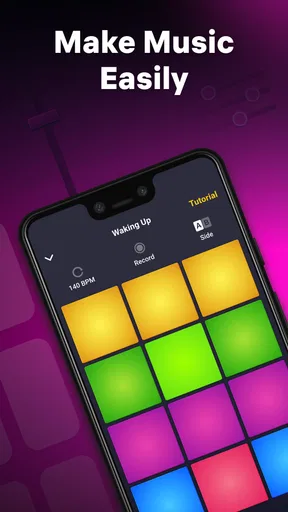
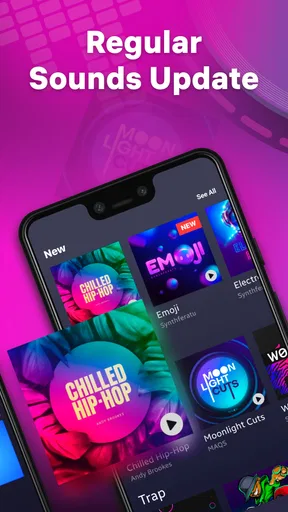
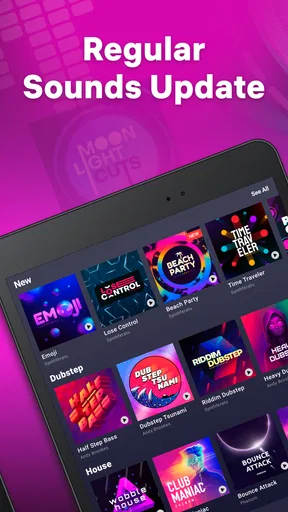
Okay, let’s get into the nitty-gritty. This app is packed with a bunch of features that make it a standout in the crowded world of music apps. First off, the sound packs are a dream. You’ve got everything from hip-hop to EDM, and even some quirky sound effects that you can throw into your mix. The variety keeps things fresh and lets you experiment with different genres.
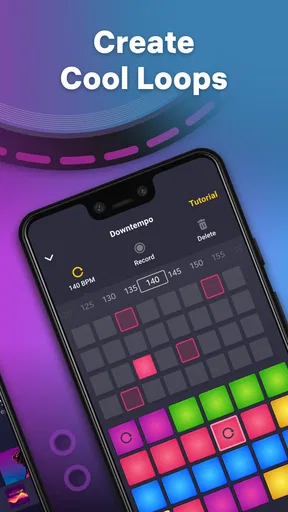
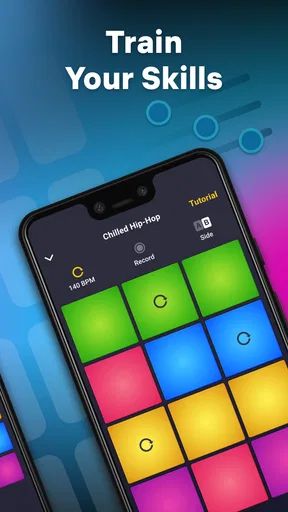
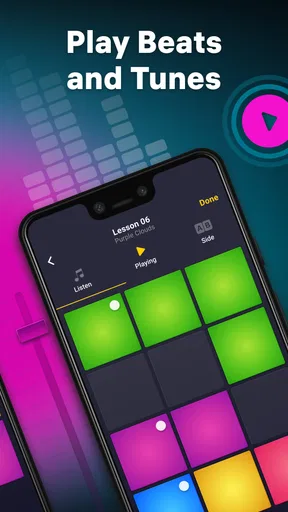
The app also offers a step-by-step tutorial for newbies. It’s like having a mini music producer in your pocket guiding you along. I found this super helpful when I was trying to figure out how to create more complex patterns.
For a first session, I would resist the urge to tap every pad at once. Choose a sound style that appeals to you, follow the tutorial, and listen for how one sound sits against another. A beat usually feels more deliberate when you leave a little space rather than filling every moment. This small habit makes the difference between a burst of random sounds and a pattern you might actually want to repeat.
Getting to a First Beat
The reassuring part for a beginner is that you can start by listening and tapping rather than learning notation or setting up virtual instruments. Treat the pads as a set of parts in a tiny arrangement: try a steady foundation first, then add a contrasting sound and see whether the combination feels balanced. If it becomes messy, remove a layer instead of adding more. That gives you a practical way to learn by ear without turning the first attempt into a theory lesson.
Worth Reading Before You Choose

Basketball Stars: Multiplayer Is Fast, but Can It Recover When Matches Go Wrong?

WEBTOON Turns Phone Updates Into a Better Reading Routine

Link to Windows Runs on Shared Habits, Not Social Feeds

How Alibaba.com Dominates the B2B Marketplace

Metro's Quiet Rise: Redefining Mobile Communication

Harnessing Ecosystem Power with Phone Tracker by Number
A realistic use is a short break at home or while waiting for a friend: open the app, follow the guided introduction, and spend a few minutes testing combinations. I would use headphones when you want to hear the layers clearly, especially in a noisy place, and keep the volume comfortable. The point is not to finish a polished track in that moment; it is to find a rhythm you enjoy and learn which sounds work together.
Making Music on the Go
One of the things I love most about the Drum Pad Machine is how portable it is. Whether you’re on the bus, chilling at a café, or just lounging at home, you can whip out your phone and start making music. The app doesn’t lag, and the touch response is smooth, making it ideal for on-the-go creativity.
Its strongest use case is spontaneous experimentation. Unlike a traditional instrument, there is no tuning or warm-up before you can try an idea, and unlike a desktop production setup, you do not need to sit down at a computer. That convenience is also a trade-off: the phone screen and pad-based approach encourage quick performance, but they are not a substitute for the detailed editing and arrangement tools people usually expect from a full digital audio workstation.
Where Beginners Can Get Stuck
Of course, no app is perfect. While the free version of the app lets you get a taste of its features, you’ll find that some of the premium sound packs and features require a subscription. It’s a bit of a bummer if you’re not ready to shell out cash, but honestly, what you get for free is still pretty solid.
Because individual in-app purchases are listed at $5.49 per item, I would explore the free experience first and only consider paying if a particular extra genuinely suits the kind of beats you want to make. The main beginner trap is assuming that every sound or option needs to be unlocked before you can make something enjoyable. It doesn’t. Start with what is available, and decide later whether a purchase would change how you use the app.
Another thing to note is that while the tutorials are great, there’s a limit to how advanced they are. If you’re looking to dive deep into music theory and production, you might need to supplement with some additional learning materials.
It also helps to distinguish a fun beat-making session from a finished production. If you need precise control over a long arrangement, detailed mixing, or a workflow built around recording and editing, a more comprehensive music production app is likely a better fit. Drum Pad Machine makes more sense when quick access and tactile experimentation matter more than extensive control.
Who It Suits, and What to Try Next
I’d recommend it to curious beginners, casual music fans, and anyone who likes testing rhythms with their fingers. It can also be useful for a more experienced musician who wants a quick source of playful ideas, as long as they are happy to develop those ideas elsewhere. If you already know that you need advanced production tools, or you prefer composing through a piano roll and precise editing, you may find the pad approach limiting rather than freeing.
When a pattern starts to work, repeat the same small group of sounds before changing anything. That gives your ear a moment to notice what each part contributes. Then swap one sound at a time; changing several at once makes it harder to tell what improved the beat. This is a simple workflow, but it turns casual tapping into useful experimentation and helps you discover a style you like without getting overwhelmed by choices.
If you are wondering whether you need music experience, I don’t think you do: the tutorial and immediate sound feedback make it approachable. If you are wondering whether it replaces a full studio app, I would say no; it is better for quick ideas and playful performance than detailed production. And if you are unsure about paying, the sensible move is to begin for free and see whether the available sounds keep you interested before considering any optional purchase.
Final Thoughts
All in all, the Drum Pad Machine is a fun, accessible app for anyone looking to explore the world of beat making. Whether you’re a total newbie or someone with a bit more experience, there’s something here for you. The app’s ease of use, combined with its wide range of sounds and tutorials, makes it a must-try for aspiring music creators. So, if you’re ready to drop some beats, give it a whirl!
Note: Always check for the latest updates and sound packs, as the developers frequently add new content to keep your creative juices flowing.
Pros
- Intuitive interface for beginners.
- Wide range of sound packs available.
- Customizable beat patterns.
- Regular updates with new features.
- Offline mode for creating on the go.
Cons
- In-app purchases can be pricey.
- Ads interrupt free version.
- Limited free sound packs.
- Requires practice for complex beats.
- Some features need internet access.
FAQs for Drum Pad Machine - beat maker
What is Drum Pad Machine and how does it work?
Drum Pad Machine is a versatile music-making app designed for both beginners and experienced musicians. It allows users to create beats and music tracks using a virtual drum pad. With a variety of sound packs and effects, users can mix and match sounds to produce unique compositions. The app's intuitive interface makes it easy to trigger sounds and apply effects in real-time.
Is Drum Pad Machine suitable for beginners?
Yes, Drum Pad Machine is designed to be user-friendly, making it ideal for beginners. The app offers tutorials and a simple layout that guides users through the process of creating their first beats. With a wide range of pre-made sound packs, novices can quickly start experimenting with music production without needing any prior experience.
What features does Drum Pad Machine offer?
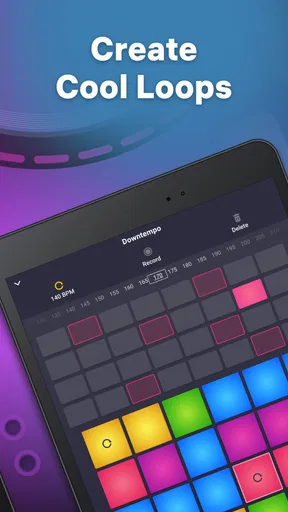
Drum Pad Machine offers a variety of features including a vast library of sound packs, customizable pads, and real-time effects. Users can record their sessions, loop sounds, and even share their creations on social media. The app also supports MIDI controllers, allowing for more precise control over music production. Regular updates ensure new content and features are frequently added.
Is Drum Pad Machine free to use?
Drum Pad Machine is free to download and use, but it offers in-app purchases. While the basic version provides access to essential features and sound packs, users can purchase additional premium sound packs and features. These purchases are optional and are designed to enhance the user experience by offering more creative options.
Can I use Drum Pad Machine offline?
Yes, Drum Pad Machine can be used offline once it is downloaded and installed on your device. This allows users to create and edit music without needing an internet connection. However, downloading new sound packs or accessing certain features may require an internet connection. This makes it convenient for users who want to produce music on the go.


